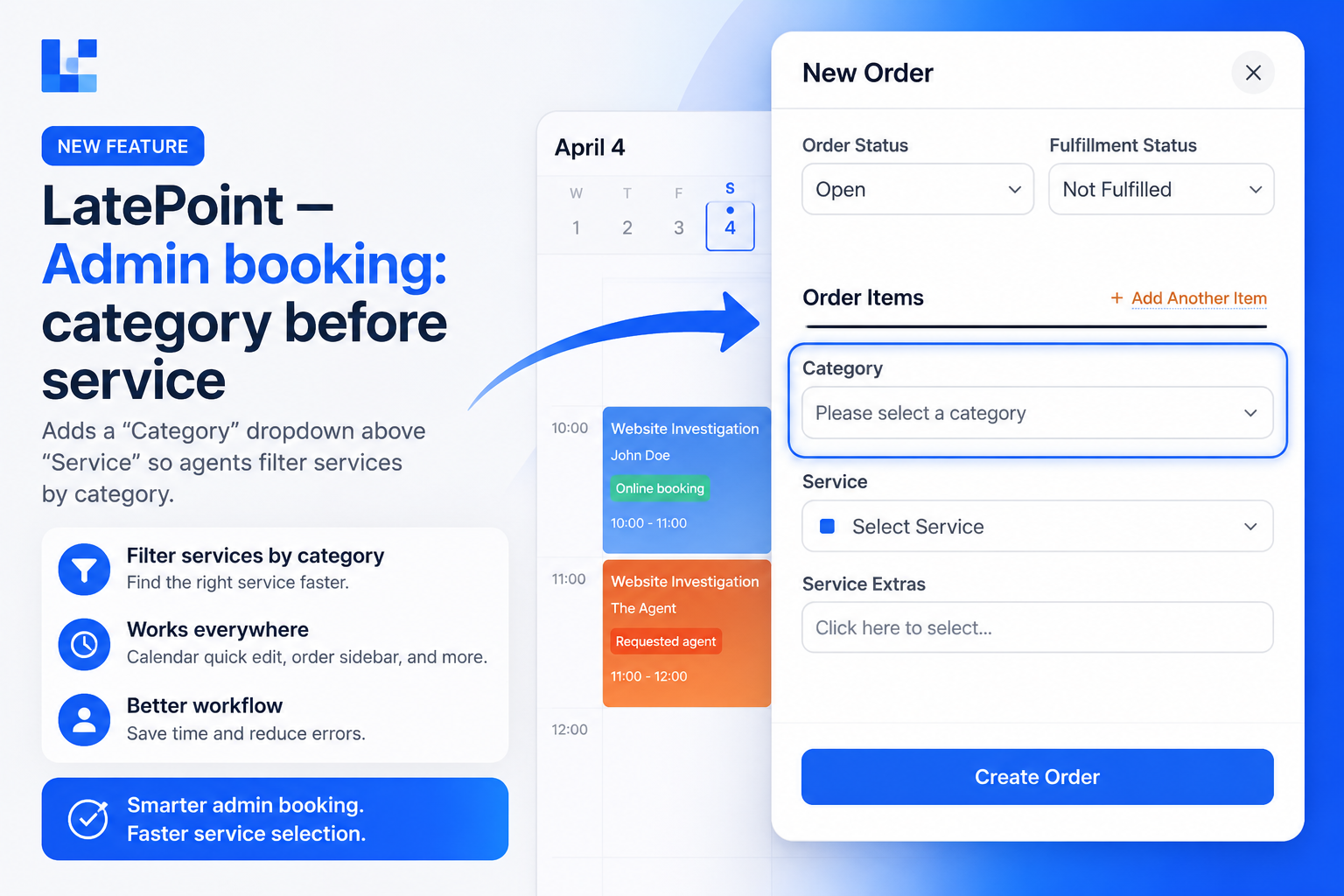
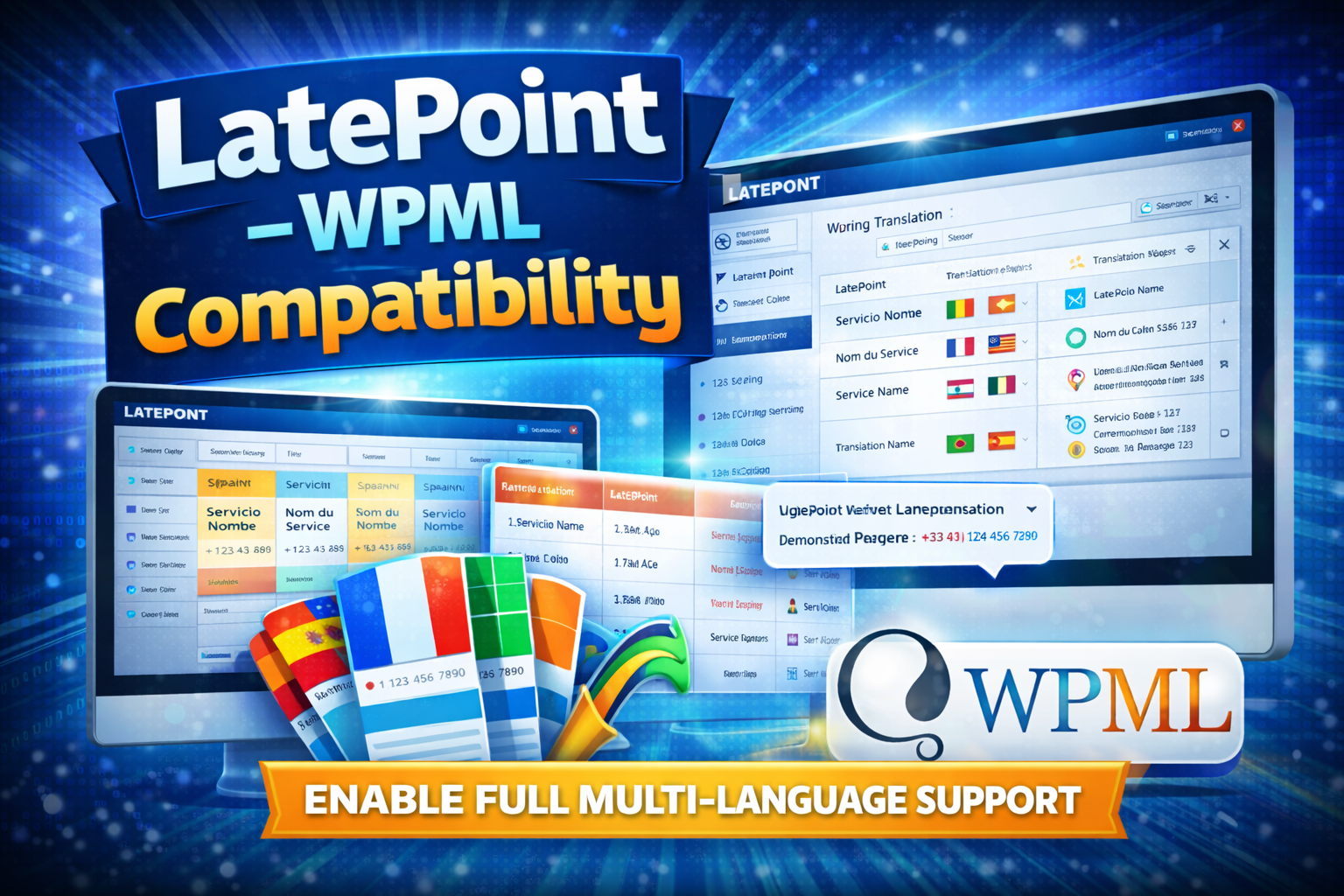
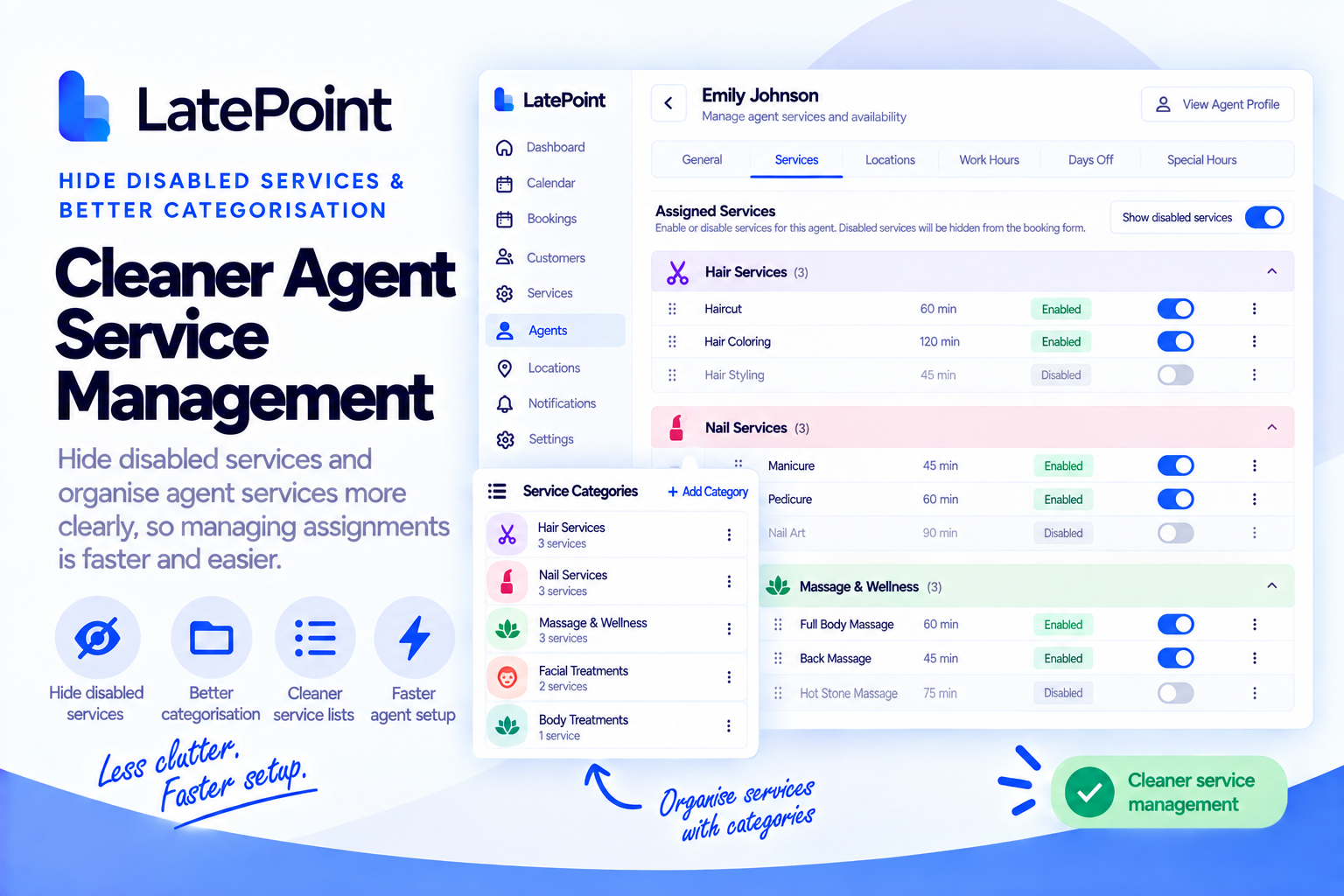
🚀 What This Plugin Is
This is not just a single feature plugin.
It’s a foundation for extending LatePoint, similar to premium solutions like LatePoint Extend.
Use it to:
- Add custom functionality
- Modify admin behavior
- Inject UI improvements
- Build client-specific features
All in one place.
⚙️ How It Works
- Uses hooks to extend LatePoint
- Keeps all logic outside core files
- Requires a one-time hook patch
- Survives all LatePoint updates
Unlike core edits, your changes are never lost.
✅ Key Benefits
- No core modifications
- Fully update-safe
- Clean architecture
- Scalable for future features
- Ideal for agencies & developers
🎯 Perfect For
- WordPress agencies
- Freelancers building booking systems
- Businesses needing custom workflows
- Developers extending LatePoint
🧠 Why This Matters
LatePoint has limited deep customization out of the box
This plugin solves that by giving you:
👉 Full control over behavior
👉 Without breaking updates
👉 Without hacks
✨ What It Improves
- Modern admin design
- Clean, professional look across the entire LatePoint interface
- Better buttons & actions
- Clear primary buttons and simpler action links
- Easier to use forms
- Improved fields, toggles, checkboxes, tabs, and dropdowns
- Enhanced navigation menu
- Better sidebar, icons, hover effects, and active states
- Cleaner submenu panels
- More organized and visually polished dropdown menus
- Improved compact (collapsed) menu
- Better icons and interaction when the sidebar is minimized
- Keeps your calendar colors intact
- No changes to booking/service colors, everything stays familiar
- Optional branding touches
- Customize favicon and browser tab title in LatePoint
🎯 Result
A faster, cleaner, and more professional LatePoint admin experience, without changing how your system works.